An assistant that works from your organization's knowledge
The knowledge base and AI assistant platform for organizations
Search, summarize and answer from your organization's own documents. Every answer points back to the source document and page. Runs inside your own network.
Every answer citedMany departments, one installRuns on-premises
Overview
From scattered documents to answers you can verify
What organizations deal with every day
- Documents and regulations spread across many places, searchable only by exact words
- Scans, audio and video whose contents can't be searched
- The same questions asked again and again, answered by staff every time
- General chatbots answer fluently but give no source to check
- Internal data that can't be sent outside for processing
What OrgMind AI does
Brings every kind of document into one knowledge base. People ask in plain language, the system finds the relevant documents and writes the answer, pointing back to the source document and page.
Answers only from documentsNo supporting document means the answer is "not found". Nothing is made up.
People see only what they maySeparate knowledge bases per department, separate assistants per team
Data stays in the organizationModels and the knowledge base can run on your own servers
What you get
- Search knowledge across the organization from one place
- Scanned documents and media become searchable text
- Less time reading, summarizing and comparing documents
- Citizens and customers get answers outside office hours
- Answer quality you can measure and track
- Every interaction auditable afterwards
Platform
Five stages from documents to measurable answers
Every stage lives in one platform with one set of permissions and one log. No need to assemble systems from several vendors.
- 1
Ingest
From files and source systems- Office documents and scans
- Audio, video and subtitles
- Databases, websites, file shares
- 2
Knowledge base
Text searchable by meaning- Read images, transcribe, chunk
- Classify automatically
- Check and repair Thai text
- 3
Assistants
One per line of work- Knowledge scope per assistant
- Access by user group
- Remembers the conversation
- 4
Channels
Reach every user group- Chat page for staff
- Website widget and messaging apps
- Hand-off to staff when needed
- 5
Govern and measure
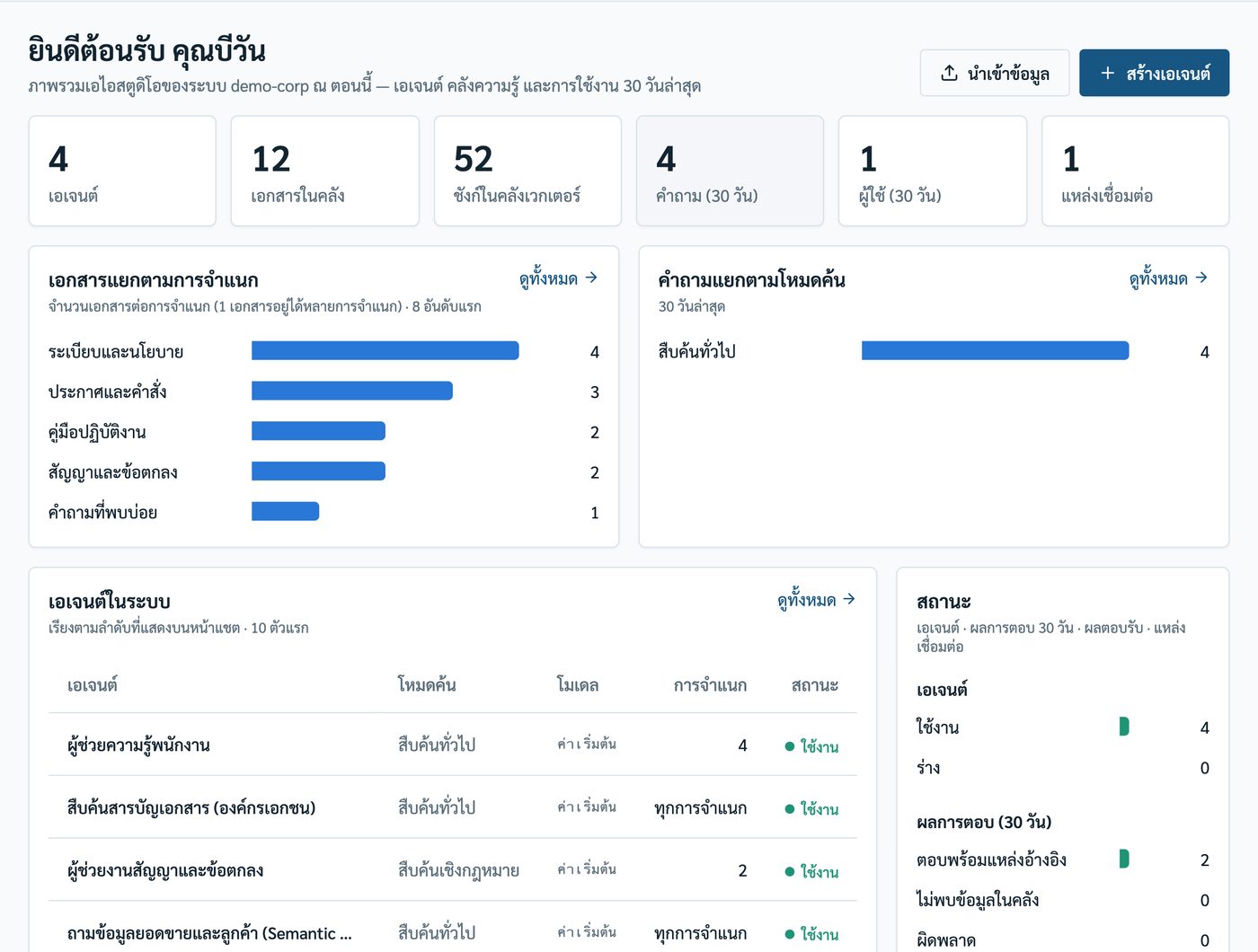
Every question and answer visible- Complete usage log
- Ratings from users and experts
- Executive reports
Search and answer
Ask in plain language, get answers with evidence
How it answers
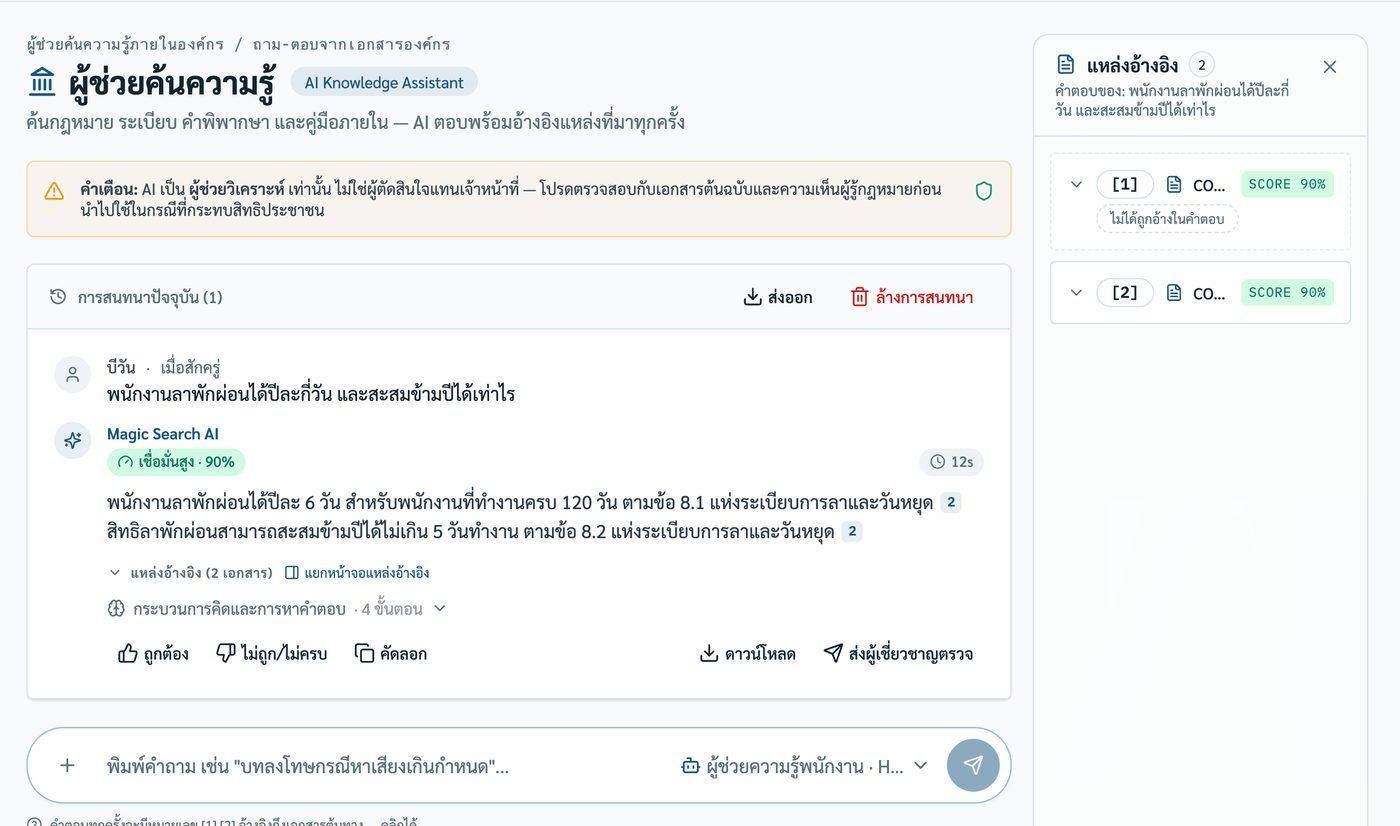
Every answer citedDocument name and page, one click to open the original
Says "not found" when it isn't thereWithout a supporting document, the model is not asked to write an answer
Flags low confidenceLow-confidence answers are routed to an administrator for review
Reading tools
Users
Four user groups, each with its own screens
StaffAsk, search, summarize and compare documents
Knowledge base managersImport, classify and check text quality
Citizens and customersAsk through the website and messaging apps
Executives and administratorsUsage reports, answer quality, permissions
Runs inside your network With all models on your own servers, data never has to leave the organization
See it working on your own documents
Start with a live demo on the real system, then run a trial with documents your organization can share.